
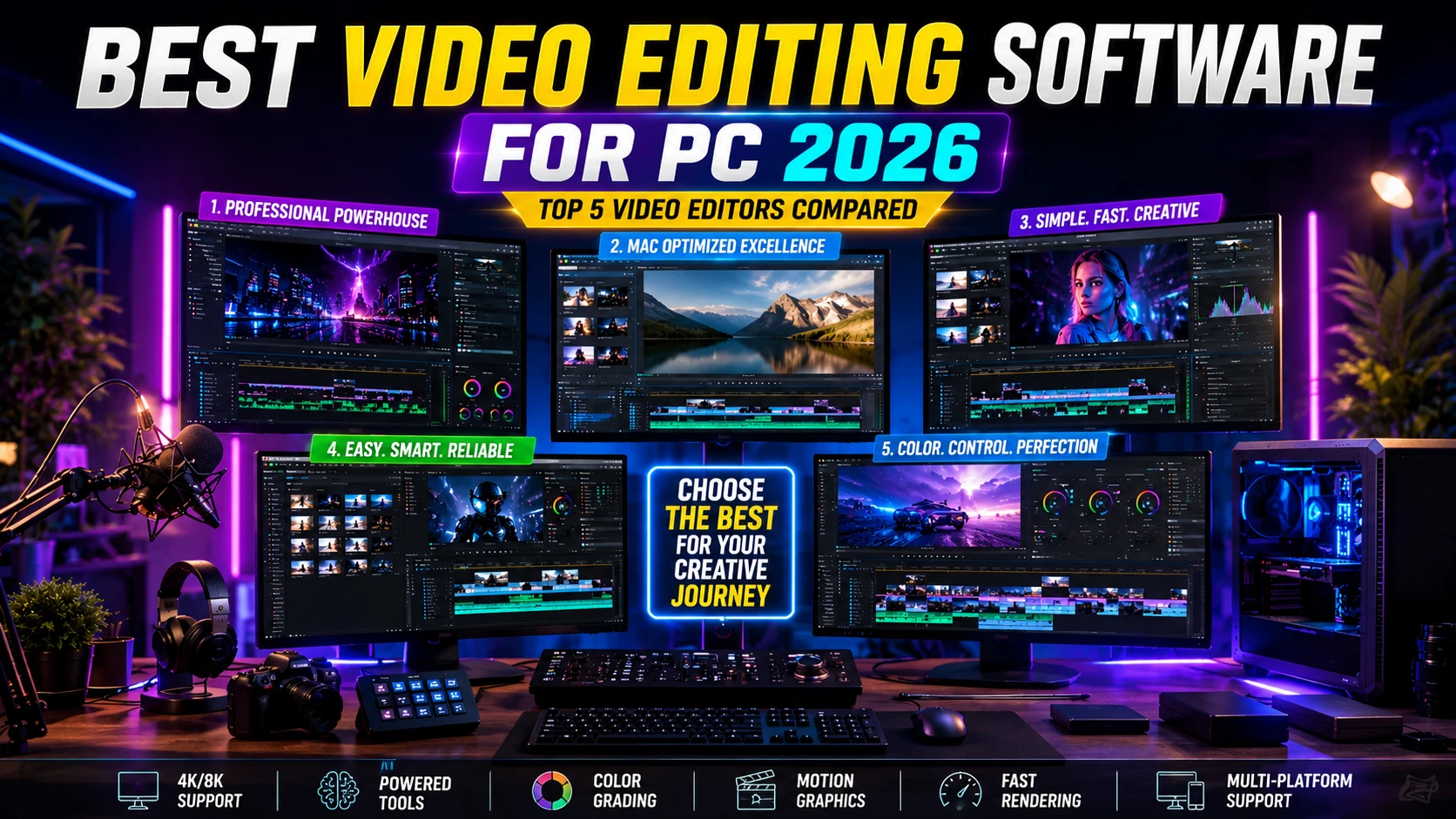
The demand for powerful video editing software continues to grow in 2026 as content creation becomes more important than ever. Whether you’re a YouTuber, gamer, filmmaker, marketer, or business owner, the right editing software can significantly improve your workflow, creativity, and video quality.
In this guide to the Best Video Editing Software for PC 2026, we compare the top options available today, including Adobe Premiere Pro, Final Cut Pro, CapCut, Filmora, and DaVinci Resolve 21. You’ll discover their key features, strengths, pricing models, and ideal use cases, helping you choose the perfect video editor for your skill level, budget, and content creation goals.
1: Top 5 Best Video Editing Software For PC 2026
1.1: Adobe Premiere Pro – Best Overall Professional Video Editing Software

Adobe Premiere Pro is a professional video editing software trusted by creators, filmmakers, and businesses. It offers powerful editing tools, AI features, and seamless Creative Cloud integration.
Key Specifications
| Specification | Details |
|---|---|
| Platform | Windows, macOS |
| Video Support | HD, 4K, 8K |
| AI Tools | Yes |
| Audio Editing | Advanced |
| Best For | Professional Editing |
Key Features
- AI-powered editing tools
- Advanced color grading
- Professional audio controls
- Multi-camera editing
- Creative Cloud integration
Best For
Professional editors, filmmakers, YouTubers, agencies, and content creators who need industry-standard editing tools and advanced workflow capabilities.
Why We Recommend It
Adobe Premiere Pro delivers industry-leading performance, advanced features, and excellent workflow efficiency, making it the best overall video editing software for professional content creation in 2026.
1.2: Apple Final Cut Pro – Best Video Editing Software for Mac Users

Final Cut Pro is Apple’s professional video editing software, optimized for macOS and Apple Silicon. It delivers fast performance, advanced editing tools, and cinematic-quality output.
Key Specifications
| Specification | Details |
|---|---|
| Platform | macOS |
| Video Support | HD, 4K, 8K |
| AI Features | Smart Mask |
| Performance | Apple Silicon Optimized |
| Best For | Mac Creators |
Key Features
- Magnetic Timeline
- AI-powered masking
- Advanced color grading
- Multi-camera editing
- ProRes workflow support
Best For
Mac-based content creators, YouTubers, filmmakers, and professional video editors seeking fast, reliable, and high-performance editing software.
Why We Recommend It
Final Cut Pro combines outstanding speed, powerful editing features, and seamless Apple ecosystem integration, making it one of the best video editing software choices for Mac users in 2026.
1.3: CapCut – Best Free Video Editing Software for Beginners

CapCut is a beginner-friendly video editing software that combines powerful AI tools with an intuitive interface. Available on desktop, mobile, and web, it helps creators edit videos quickly with templates, auto captions, effects, and social media-ready export options.
Key Specifications
| Specification | Details |
|---|---|
| Platform | Windows, macOS, Android, iOS, Web |
| Video Support | HD, 4K |
| AI Features | Auto Captions, Text-to-Speech, AI Editing |
| Templates | Yes |
| Pricing | Free with Premium Options |
| Best For | Beginners & Content Creators |
Key Features
- AI-powered editing tools
- Auto captions and text-to-speech
- Ready-to-use video templates
- One-click social media exports
- Cross-platform editing support
Best For
Beginners, YouTubers, TikTok creators, Instagram users, and social media marketers.
Why We Recommend It
CapCut offers an excellent balance of simplicity, AI-powered features, and free editing tools. Its easy learning curve and fast workflow make it one of the best free video editing software options for beginners in 2026.
1.4: Filmora – Best User-Friendly Video Editing Software

Filmora is a beginner-friendly video editing software that combines powerful AI tools with an intuitive drag-and-drop interface. It offers professional-looking effects, templates, transitions, and creative assets, making video editing simple for creators of all skill levels.
Key Specifications
| Specification | Details |
|---|---|
| Platform | Windows, macOS |
| Video Support | HD, 4K |
| AI Features | AI Copilot, AI Video Editing |
| Effects Library | 2.9M+ Creative Assets |
| Audio Tools | AI Audio Enhancement |
| Best For | Beginners & Content Creators |
Key Features
- AI-powered editing and automation
- Drag-and-drop timeline editing
- Extensive effects, transitions, and templates
- Dynamic captions and motion graphics
- Large royalty-free creative asset library
Best For
Beginners, YouTubers, educators, marketers, and content creators who want professional results without a steep learning curve.
Why We Recommend It
Filmora stands out for its ease of use, powerful AI features, and rich creative toolkit. It delivers an excellent balance of simplicity and functionality, making it one of the best user-friendly video editing software options for creators in 2026.
1.5: DaVinci Resolve 21 – Best for Color Grading and Advanced Editing
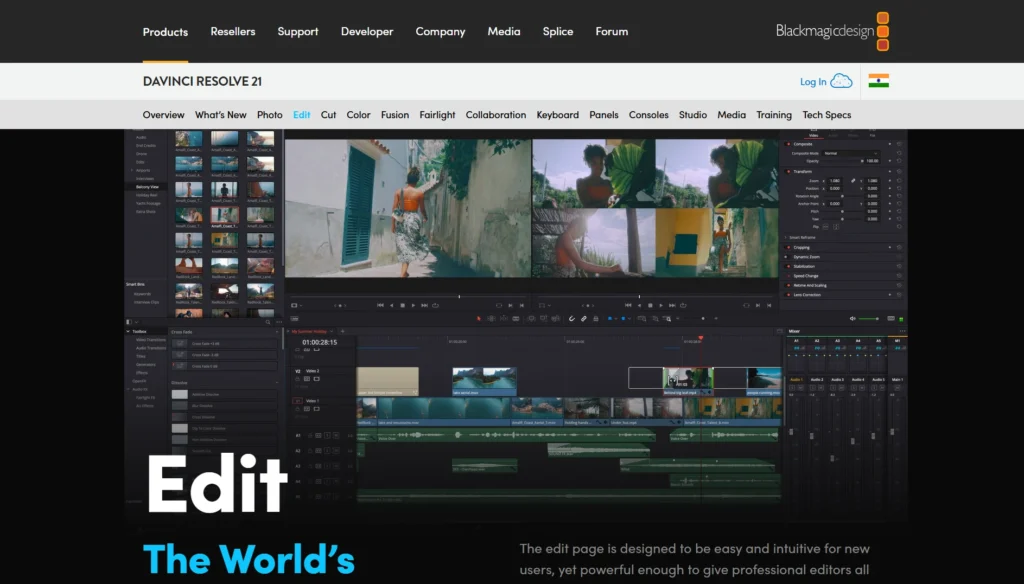
DaVinci Resolve 21 is a professional-grade video editing software known for its industry-leading color grading, visual effects, audio production, and editing capabilities. It combines editing, Fusion VFX, Fairlight audio tools, and color correction into a single powerful platform, making it a favorite among filmmakers and professional creators.
Key Specifications
| Specification | Details |
|---|---|
| Platform | Windows, macOS, Linux |
| Video Support | HD, 4K, 8K, HDR |
| Color Grading | Professional DaVinci Color Tools |
| VFX Suite | Fusion Visual Effects |
| Audio Tools | Fairlight Audio Production |
| Best For | Advanced Editing & Color Grading |
Key Features
- Industry-leading color correction and grading
- Advanced visual effects with Fusion
- Professional Fairlight audio workstation
- Multi-user collaboration tools
- AI-powered editing and workflow enhancements
Best For
Professional video editors, filmmakers, colorists, studios, and advanced content creators seeking complete post-production control.
Why We Recommend It
DaVinci Resolve 21 delivers unmatched color grading tools, powerful editing features, and professional audio and VFX capabilities in one application. Its comprehensive workflow and studio-quality output make it one of the best video editing software choices for professionals in 2026.
2: Comparison Table
| Software | Best For | Platform | Free Version | Skill Level |
|---|---|---|---|---|
| Adobe Premiere Pro | Professional Editing | Windows, Mac | No | Advanced |
| Apple Final Cut Pro | Mac Users & Creators | macOS | Trial Available | Intermediate |
| CapCut | Social Media Content | Windows, Mac | Yes | Beginner |
| Filmora | Easy Video Editing | Windows, Mac | Yes | Beginner |
| DaVinci Resolve 21 | Color Grading & Pro Editing | Windows, Mac, Linux | Yes | Intermediate to Advanced |
3: How to Choose the Best Video Editing Software For PC 2026
Choosing the best video editing software for PC in 2026 depends on your skill level, budget, hardware, and editing needs. Here’s what to consider before making a decision.
1. Skill Level
- Beginner: Choose user-friendly software like CapCut or Filmora with templates and AI tools.
- Intermediate: Look for advanced features, multi-track editing, and better customization.
- Professional: Opt for industry-standard software such as Adobe Premiere Pro or DaVinci Resolve for maximum creative control.
2. Budget
- Free Software: CapCut and DaVinci Resolve offer powerful free versions.
- Subscription-Based: Adobe Premiere Pro provides continuous updates and cloud integration.
- One-Time Purchase: Final Cut Pro is ideal for Mac users seeking long-term value.
3. System Requirements
- CPU: Intel Core i5/Ryzen 5 or higher recommended.
- RAM: Minimum 16GB; 32GB for 4K and advanced workflows.
- GPU: A dedicated GPU with hardware acceleration improves rendering and playback.
4. Editing Features
Look for essential tools such as:
- Advanced color grading
- Motion graphics and visual effects
- Professional audio editing
- AI-powered editing, captions, and object tracking
5. Export and Format Support
Ensure the software supports:
- Smooth 4K video editing
- 8K workflows for future-proofing
- Social media export presets for YouTube, Instagram, TikTok, and Facebook
By matching your editing requirements with the right features and budget, you can confidently choose the best video editing software for PC in 2026 and create professional-quality content more efficiently.
4: Best Video Editing Software by User Type
Choosing the right video editing software depends on your experience level, workflow, and creative goals. Here are our top recommendations for different types of users in 2026.
Best for Beginners
- CapCut: Perfect for new creators thanks to its intuitive interface, AI tools, and free editing features.
- Filmora offers an easy learning curve with powerful effects, templates, and drag-and-drop editing.
Best for YouTubers
- Adobe Premiere Pro provides professional editing tools, advanced audio controls, and seamless workflow integration for content creators.
Best for Mac Users
- Apple Final Cut Pro: Optimized for macOS and Apple Silicon, delivering exceptional speed and professional-grade editing performance.
Best Free Video Editor
- DaVinci Resolve 21 offers industry-leading color grading, advanced editing tools, and a feature-rich free version.
Best Professional Software
- Adobe Premiere Pro: The industry standard for video production, filmmaking, and commercial content creation.
- DaVinci Resolve 21: Ideal for professionals who require advanced color correction, visual effects, audio production, and collaborative workflows.
Whether you’re a beginner, YouTuber, Mac user, or professional editor, these video editing software options deliver excellent performance, powerful features, and outstanding value in 2026.
5: Frequently Asked Questions (FAQs)
Q1: Which is the best video editing software for PC in 2026?
Adobe Premiere Pro is our top overall recommendation thanks to its professional editing tools, AI features, and industry-standard workflow.
Q2: Is DaVinci Resolve better than Premiere Pro?
DaVinci Resolve excels in color grading and post-production, while Premiere Pro offers broader creative workflows and better Adobe ecosystem integration.
Q3: Which video editor is best for beginners?
CapCut and Filmora are the best options for beginners due to their intuitive interfaces, AI-powered tools, and easy learning curve.
Q4: Is CapCut free for PC users?
Yes, CapCut offers a free version with powerful editing features, while premium plans unlock additional tools and assets.
Q5: What is the best video editing software for YouTube creators?
Adobe Premiere Pro is ideal for YouTubers because of its advanced editing, audio controls, motion graphics support, and efficient export options.
Q6: Can I edit 4K videos on these software programs?
Yes, Adobe Premiere Pro, Final Cut Pro, Filmora, CapCut, and DaVinci Resolve all support 4K video editing, provided your PC meets the recommended hardware requirements.
Q7: Which video editing software offers the best AI tools?
Adobe Premiere Pro, Filmora, and CapCut currently provide some of the most advanced AI-powered editing features, including auto-captioning, object tracking, background removal, and workflow automation.
6: Conclusion
Choosing the Best Video Editing Software For PC 2026 ultimately depends on your editing needs, experience level, and budget.
- Best Overall: Adobe Premiere Pro — Industry-leading features, powerful AI tools, and professional workflows make it the top choice for most creators.
- Best for Mac Users: Apple Final Cut Pro — Exceptional performance and seamless optimization for macOS and Apple Silicon devices.
- Best Free Video Editor: DaVinci Resolve 21 — Delivers professional-grade editing, color grading, visual effects, and audio tools at no cost.
- Best for Beginners: CapCut — Easy-to-use interface with AI-powered features and a generous free plan.
- Best Value for Money: Filmora — Combines affordability, simplicity, and advanced creative tools for excellent overall value.
No matter your skill level, these video editing software solutions offer reliable performance, powerful features, and the tools needed to create high-quality content in 2026.